
Cheat Sheet for Social Media Image Sizes (2026)
A no-nonsense 2026 cheat sheet of image and video dimensions for every major social platform.
Every social platform compresses your images differently, every platform changes the optimal size every couple of years, and every "definitive cheat sheet" you find on the internet is at least 12 months out of date by the time you read it. This is the maintained 2026 cheat sheet for the actual sizes that work right now, across Instagram, Facebook, X (Twitter), LinkedIn, TikTok, YouTube, Threads, and Pinterest.
I have been designing for social since 2018, ship multi-platform brand kits monthly, and re-test compression behaviour every quarter. The numbers below are what I personally export at, and what I bake into my Figma and Lightroom presets.
TL;DR, the four sizes that cover 80% of your work
- Vertical 9:16 video, 1080×1920px (Reels, Stories, TikTok, YouTube Shorts, Threads video)
- Vertical 4:5 photo, 1080×1350px (Instagram feed photos and carousels, biggest mobile area)
- Horizontal 16:9, 1920×1080px (LinkedIn, Twitter video, YouTube standard, blog covers)
- Square 1:1, 1080×1080px (still safe across every platform)
Bake these four export presets into your editor and you are 80% done. The full per-platform breakdown is below.
Instagram (2026)
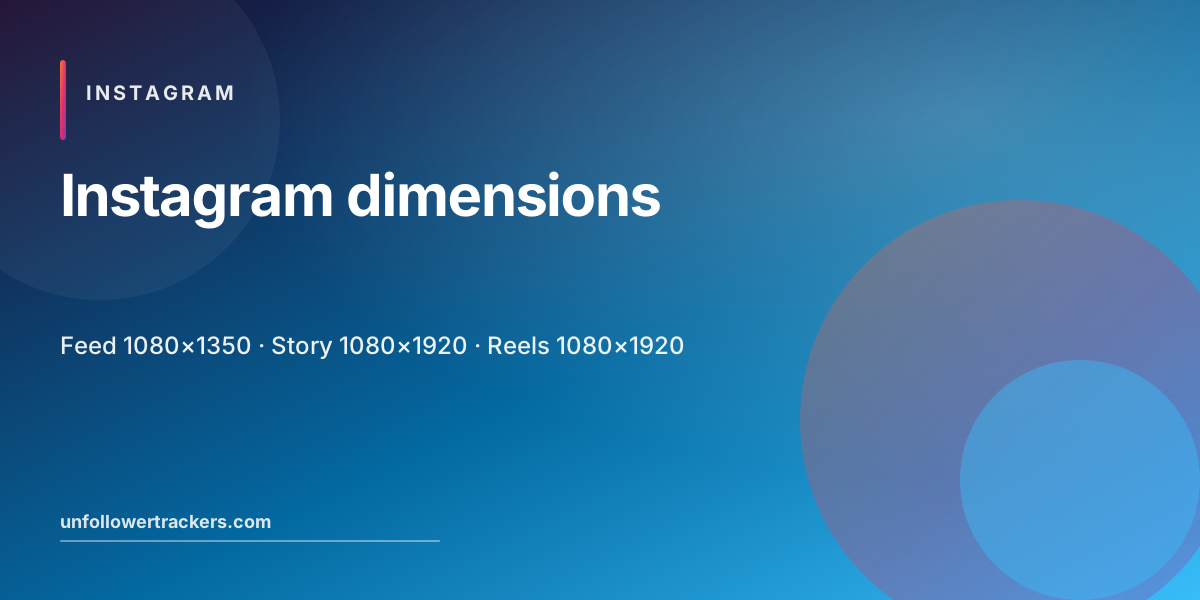
- Feed photo (portrait, recommended): 1080×1350px (4:5)
- Feed photo (square): 1080×1080px (1:1)
- Feed photo (landscape): 1080×566px (1.91:1)
- Reel / Story: 1080×1920px (9:16)
- Profile picture: 320×320px (displayed), upload at 1080×1080 for sharpness
- Highlight cover: 1080×1920px (9:16)
- Carousel: any of the above; keep all slides the same aspect ratio
- Video posts: same as photos in aspect; max length 60 minutes (Reels max 90 seconds)
- File formats: JPEG (photos), PNG (graphics with transparency / sharp text), MP4/MOV (video)
- Color profile: sRGB (Instagram converts everything to sRGB anyway)
For tactics on what to actually post in those dimensions, see Instagram growth habits 2026 and the profile optimization checklist.
Facebook (2026)
- Cover photo: 851×315px (displayed), upload at 1640×624 for retina
- Profile picture: 360×360px
- Feed image post: 1200×630px (most reliable across desktop and mobile)
- Feed video: 1280×720 (horizontal) or 1080×1920 (vertical)
- Story: 1080×1920px (9:16)
- Event cover: 1920×1005px
- Group cover: 1640×856px
For organic reach strategy on Facebook itself, see strategies to increase Facebook page engagement.
X (Twitter) (2026)
- Profile picture: 400×400px
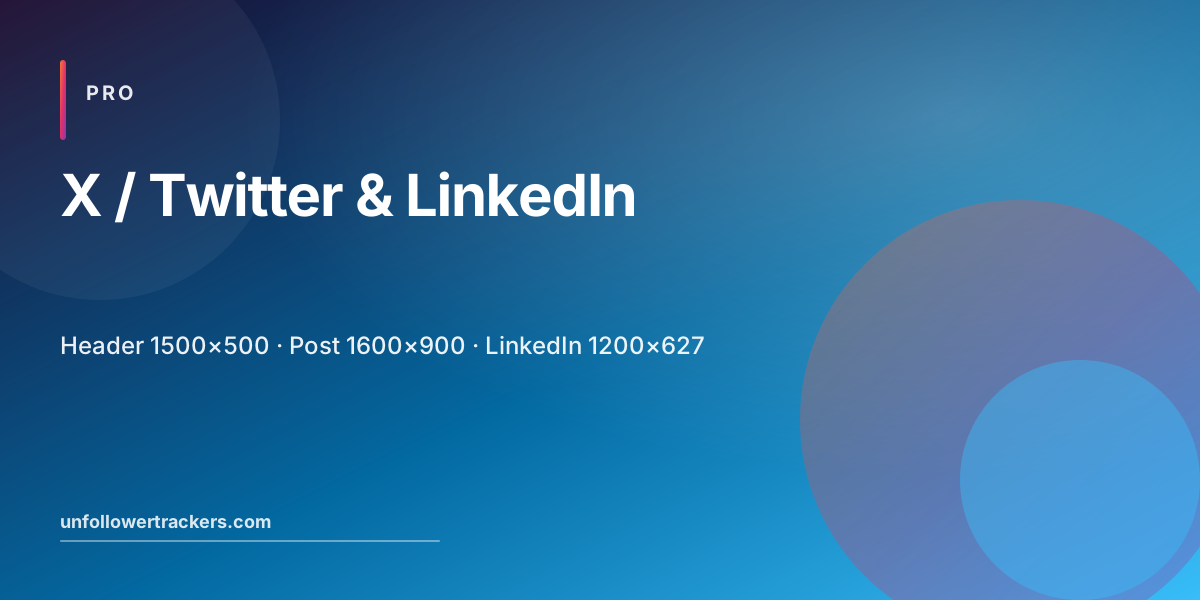
- Header (banner): 1500×500px (3:1)
- In-feed image: 1600×900px (16:9, best mobile fit)
- Card image: 1200×628px
- Video: 1280×720 (horizontal) or 720×1280 (vertical), MP4/MOV, max 2:20
For growth tactics on X, see how to increase Twitter followers in 2026.
LinkedIn (2026)
- Profile picture: 400×400px
- Cover image (personal): 1584×396px
- Company page logo: 300×300px
- Company cover: 1128×191px
- Feed image post: 1200×627px (1.91:1)
- Document post: 1200×900px per page (4:3)
- Video: 1920×1080 (16:9), MP4, max 10 minutes
TikTok (2026)
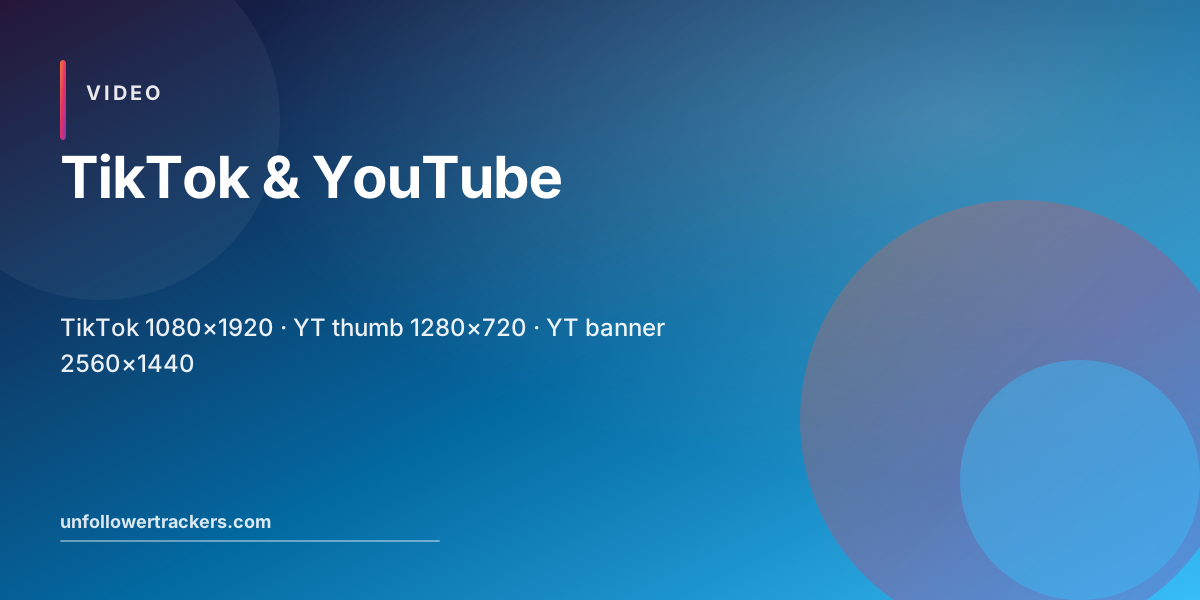
- Video: 1080×1920px (9:16), required
- Cover (auto-extracted from frame): 1080×1920px
- Profile picture: 200×200px (displayed), upload at 1080×1080
- Maximum video length: 10 minutes for most accounts
For exporting your TikTok data and tracking who unfollowed you, see TikTok followers tracker.
YouTube (2026)
- Channel art / banner: 2560×1440px (safe area 1546×423)
- Profile picture: 800×800px
- Thumbnail: 1280×720px (16:9), JPG/PNG, under 2MB
- Video (HD): 1920×1080px (16:9)
- Video (4K): 3840×2160px
- Shorts: 1080×1920px (9:16), max 60 seconds
Threads (2026)
- Image post: 1080×1080 (square) or 1080×1350 (portrait), same as Instagram
- Video: 1080×1920 (vertical) preferred
- Profile picture: shared with Instagram (320×320 displayed)
For Threads-specific data export and tracking, see Threads unfollowers tracker.
Pinterest (2026)
- Standard pin: 1000×1500px (2:3), Pinterest's most-rewarded ratio
- Square pin: 1000×1000px
- Story pin / video: 1080×1920px
- Profile picture: 165×165px
File-format and quality cheat sheet
- JPEG for photos (quality 85-95, sRGB)
- PNG for graphics with transparency or sharp text
- WEBP is supported on most platforms but auto-converted server-side anyway, JPEG/PNG is safer
- MP4 (H.264) for video, universally supported
- Max file sizes vary; safe defaults are: 30MB image, 250MB video, 4GB for Reels longer than 60s
- Color profile: always sRGB. Adobe RGB and other wide gamuts get converted (often badly)
Common mistakes to avoid
- Exporting at 720p in 2026, every platform now compresses harder if you give it a small file. Always go 1080+ or higher.
- Using PNG for big photos, file size explodes, and the platform will lossy-recompress anyway. Use JPEG for photos.
- Forgetting safe areas, Stories, Reels, and TikTok overlay UI on the bottom and top 250px. Keep important text in the middle 80%.
- Embedding fonts in raster, for text-heavy graphics, work in vector (Figma, Illustrator) and export as SVG or high-quality PNG.
Wrapping up
Image sizes will keep changing, Instagram added portrait video shelves, X relaunched as 16:9 first, TikTok briefly experimented with horizontal Reels, then walked it back. Bookmark this page, re-check it quarterly, and bake the four core export presets above into your design tool of choice.
For everything else about your Instagram presence, what to post, how to track unfollowers, how to optimize your profile, start at the free Unfollowers Tracker and the profile optimization checklist.
FAQ, Social media image sizes
What is the best Instagram post size in 2026?
For feed posts, 1080×1350px (4:5 portrait) gives you the largest visible area on mobile and is the modern default. Square 1080×1080 still works. For Reels and Stories, 1080×1920 (9:16) is required.
Why does my image look blurry after I upload it to Instagram?
Three common causes: (1) you uploaded a JPEG below 1080px wide, Instagram aggressively re-compresses small images, (2) your file size exceeded 30MB and was lossy-compressed, or (3) your phone applied additional compression on upload. Always export at 1080-1440px wide, JPEG quality 90, sRGB color profile.
What size is a TikTok video in 2026?
TikTok uses 9:16 vertical at 1080×1920px. Maximum video length is currently 10 minutes for most accounts. Cover images are 1080×1920 cropped to a roughly 9:16 frame.
Are there different image sizes for Instagram Reels vs Stories?
No, both Reels and Stories are 1080×1920px (9:16 vertical). The difference is duration and where they appear (Reels in the dedicated tab, Stories in the top tray). Use the same export preset for both.
What is the best YouTube thumbnail size?
1280×720px (16:9), JPG or PNG, under 2MB. Use bold text and high contrast, most viewers see it at 240×135 in their browser.
Should I post different sizes per platform or one master size?
Always export the master at the largest size you need (usually 2160×3840 for vertical, or 1920×1080 for horizontal), then resize per platform. This protects quality and lets you re-crop later. Tools like Lightroom, Figma, Canva all support multi-export presets.
Table of contents12
Related reads
All posts
Why Am I Getting Unfollows on Instagram? 7 Real Reasons and How to Fix Each
Lost followers overnight? Here are the seven real reasons people unfollow on Instagram in 2026 plus a simple fix for each.
How Instagram Sorts Your Following and Followers List (2026 Order Explained)
The order of your Instagram Followers and Following lists is not random, it is a 2026 algorithm based on interactions, recency, and profile visits.
Benefits of an Instagram Business Account (12 Reasons + 3 Trade-offs to Know in 2026)
Should you switch to a Business account? A no-fluff 2026 breakdown of the 12 real benefits, the 3 trade-offs, and how to decide in 5 minutes.