
How to find out who unfollowed you on Instagram (without logging in)
A complete 2026 guide to discovering Instagram unfollowers safely, using the official data export and zero third-party logins.
You opened Instagram, glanced at your follower count, and felt that tiny gut-punch when the number was lower than yesterday. Instagram doesn’t tell you who left, and that silence is the entire reason an industry of "unfollowers tracker" apps exists. Most of those apps want your password. Almost none of them deserve it.
This guide walks you through the safer route, the one we use to power the free Instagram unfollowers tracker on this site. It uses the official Instagram data export, runs entirely in your browser, and doesn’t require an app, an APK, or a Chrome extension. By the end, you’ll know exactly who unfollowed you on Instagram in under 60 seconds.
TL;DR, the 60-second version
Request your Instagram data ZIP from Meta (Settings → Account Center → Download your information → JSON), wait for the email, then drop the ZIP into the Unfollowers Tracker. It will instantly show every account that no longer follows you, plus your ghost follow requests, one-way fans, and mutuals. No login, no upload, no risk.
Why Instagram doesn’t notify you
Instagram’s product team has consistently chosen not to surface unfollow events. The official explanation is that it would create needless social friction; the practical effect is that creators have to bring their own tooling. That’s where the data export comes in.
Under privacy regulations like GDPR (Europe), CCPA (California), and Brazil’s LGPD, Meta is required to give every Instagram user a full copy of their own data on request. That data includes the complete `followers` and `following` lists. Apply some basic set math to those two lists and the answer falls out: anyone in `following` who is not in `followers` has unfollowed you (or never followed you back).
Two ways people try to do this, and only one is safe
Method one is the "log in with Instagram" route. You hand a third-party app your username and password (or grant OAuth) and they store your follower list on a server somewhere. The catch: every credential you share is one breach away from being public, and Instagram’s anti-abuse systems sometimes flag automation as suspicious activity. Real creators have lost real accounts this way.
Method two, the one this guide is about, is the export route. You request the ZIP from Meta directly, never share a password, and analyze the file locally in your browser. The full reasoning is in our is the Unfollowers Tracker safe? explainer. If you want a sketchy-app rant, see why you should never use a third-party Instagram login app.
Step 1, Request your Instagram data
On mobile: open the Instagram app, tap your profile picture, then the menu (☰) → Settings and privacy → Account Center → Your information and permissions → Download your information. Select your account.
On desktop: open instagram.com → tap More → Settings → Account Center → same path. The desktop flow is sometimes faster because you can paste your password and hit Enter.
Step 2, Choose JSON, not HTML
Pick "Some of your information" (instead of "All of your information") so the export is small and arrives quickly. Under Connections, tick Followers and Following. Choose format: JSON (this is the critical bit, HTML exports cannot be parsed by the Instagram unfollowers tracker). Set the date range to "All time" and quality to Low, we don’t need any of your media.
For the full screen-by-screen walkthrough with 19 real screenshots of every tap, see our step-by-step Instagram ZIP file tutorial. A shorter recap also lives on the tutorial page.
Step 3, Wait for Meta’s email
Meta will email you a download link to the address attached to your Instagram account. Most lightweight Followers/Following exports arrive in a few minutes. Heavier exports (everything you’ve ever posted) can take up to 48 hours. If nothing arrives, check your spam folder.
When the email lands, click the download link on the same device you want to analyze the file from. Do not forward the email or share the link, that link is what proves you own the data.
Step 4, Drop the ZIP into the tracker
Open the Instagram unfollowers tracker and drag the ZIP into the upload area. You don’t need to unzip the file first, the tracker uses JSZip to read it directly in your browser. Parsing typically takes under one second, even for accounts with 50,000+ following.
Prefer to see what the experience looks like before you do it for real? Watch the animated demo, it shows every step end-to-end with no setup.
Step 5, Read your four lists
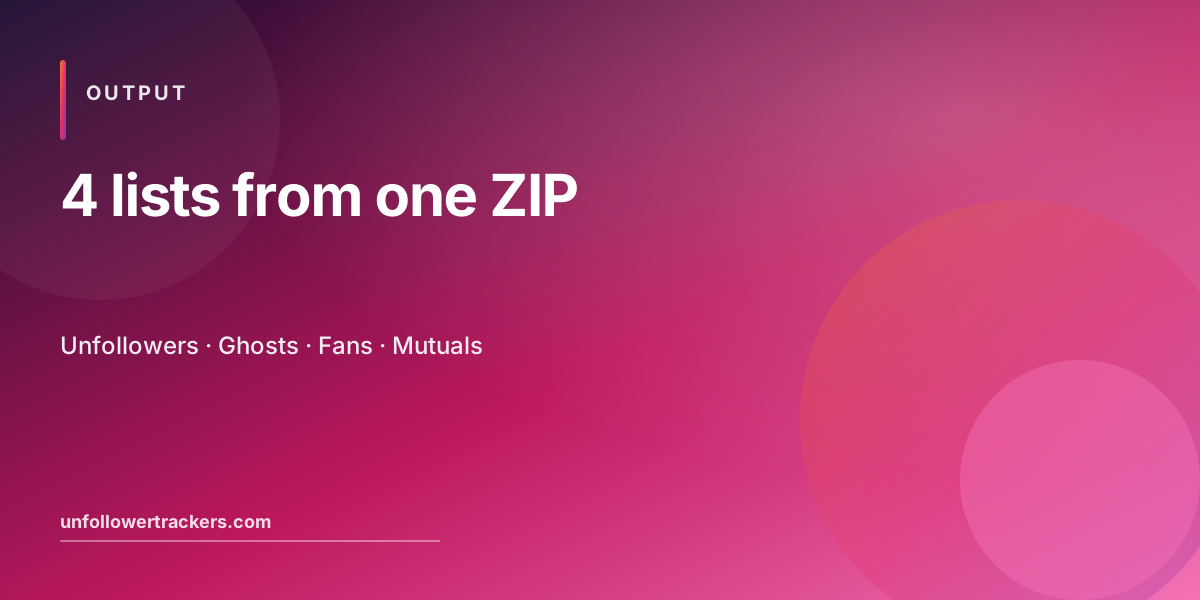
The tracker produces four lists from a single ZIP file:
- Unfollowers, everyone you follow who doesn’t follow you back. Open the unfollowers page.
- Ghost follow requests, every follow request you sent that hasn’t been accepted. Open the ghost tracker.
- One-way fans, accounts that follow you while you don’t follow them back. Often your most loyal audience. Open the fans page.
- Mutuals, your real two-way connections. Open the mutual followers tracker.
Step 6, Take action without panicking
Don’t bulk-unfollow on day one. The tracker is intentionally read-only so nothing changes on your Instagram account until you decide to act. A healthier pattern: scan the unfollowers list weekly, check whether the people who left fit your content niche, and only act on patterns, not individual departures.
If you want to copy a username, hit the copy button next to the row. If you want the entire list for record-keeping or agency reporting, hit Export CSV at the top of the table. Both features are 100% free and don’t require an account.
How accurate is the data, really?
The unfollowers list reflects exactly the moment Meta generated your ZIP, usually within seconds of you submitting the request. If someone unfollowed you ten minutes after the export was created, they’ll show up the next time you re-request the ZIP. If you need a fresh snapshot, request a new export and re-upload it; the Unfollowers Tracker handles unlimited re-uploads at no cost.
For the deeper accuracy notes (including why some accounts can briefly look like false positives), see our accuracy & data FAQs.
Privacy: what we know about your data (nothing)
Because the parsing happens in your browser, we never see your follower list, your username, or your ZIP file. We don’t even have a backend that could receive it. The full statement is in the privacy policy; the short version is that your Instagram data never leaves your device.
Common worries, briefly
"Will my account get banned?" No, there is nothing for Instagram to detect. The tool reads a file you already own; it never automates Instagram on your behalf.
"Does this work for a private account?" Yes. Because the ZIP is your data, account privacy doesn’t matter. See the private account guide.
"Do I need an iOS or Android app?" No app, no APK, no Chrome extension. The full case is in check Instagram unfollowers without an app.
"Is this really free?" Completely. There is no premium tier and no paywall. Read best free Instagram unfollowers tracker for a comparison.
Wrapping up
Knowing who unfollowed you on Instagram isn’t about ego, it’s about closing the feedback loop on what you post. With the export-based method you get that information once a week (or whenever you want), without trading away your account safety.
Bookmark the free Instagram unfollowers tracker, follow the four steps above the next time your follower count dips, and treat the rest of this site, the how-it-works guide, the tutorial, and the demo, as the rest of the toolkit.
FAQ, Finding Instagram unfollowers
Can I see who unfollowed me without giving up my password?
Yes. The Unfollowers Tracker uses your Instagram data export ZIP, you never type your username or password into our site. The analysis happens entirely in your browser using JSZip and standard browser APIs.
How long does it take to find unfollowers?
About 5-10 minutes total: 5 minutes to request the ZIP from Instagram, a few minutes for Meta to email it, and under 1 second for the Unfollowers Tracker to parse it.
Will Instagram know I am tracking my unfollowers?
No. The data export is your right under GDPR / CCPA, Meta provides it explicitly. The analysis happens locally in your browser. Instagram has no signal that you ran this analysis.
Does this work for private accounts?
Yes. Because you are analysing YOUR OWN data export, account privacy does not matter. Public, private, same flow, same accuracy.
How accurate is the unfollowers list?
It is exact at the moment Meta generated your ZIP. If you want fresh data, request a new export and re-upload, the Unfollowers Tracker handles unlimited re-uploads at no cost.
Is there a free version that has all features?
Yes, the Unfollowers Tracker is 100% free with no premium tier. Unfollowers, ghost requests, fans, mutuals, and CSV export are all included free.
Table of contents13
Related reads
All posts
How to Download Your Instagram Data ZIP File (2026 Step-by-Step Guide with Screenshots)
Step-by-step screenshot tutorial to download your Instagram data ZIP file in JSON format and use it with the free Unfollowers Tracker.
How to See Pending Follow Requests on Instagram (2026 Privacy-Safe Guide)
Instagram hides your sent follow requests, but Meta gives you the full list inside your data export. Here is how to see, manage, and cancel pending follow requests safely.
Best free Instagram unfollowers tracker (2026 guide)
A practical 2026 comparison of free Instagram unfollowers trackers, privacy, accuracy, mobile support, and which one we recommend.